PRIVATEAI employee for your company

Give your team an AI employee that already knows your business.

We connect it to the tools you approve, train it on your processes, and put it to work inside Slack. It prepares reports, finds missing follow-ups, researches questions, drafts work, and flags problems before they become expensive. Your team stays in control. You own the system when we leave.

Installed in 30 days. If the agreed system is not live, you do not pay the balance.

#ops-fleetOps fleet › Posts
Reviewed work, queued before the day starts
Today · 7:58 AM
BB
Brief BuilderAPPBOT7:54 AM

Morning brief ready — 3 call notes assembled, 2 decisions queued, sources attached.

Daily command brief 3 calls prepped · 2 decisions waiting · 0 unsourced claims
LIVE
PW
Pipeline WatcherAPPBOT7:56 AM

5 follow-ups drafted and ranked by signal. Nothing sends without your sign-off.

HELD
L
Lucas7:58 AM

Brief approved — ship the Harbor follow-up

RS Risk Scout is running the delivery audit…
It works across the tools your company already runs on.
Slack Notion HubSpot Stripe Google Calendar GitHub Claude ChatGPT Zapier
Your company knows more than any one person can see

The answer is somewhere. Your team just cannot get to it fast enough.

Sales history lives in the CRM. Client context is buried in Slack. The latest process is in a document nobody remembers updating. Important decisions sit in meeting recordings and someone's head.

That makes every question expensive. A report needs three people. A client call starts with twenty minutes of searching. A missed follow-up stays missed until the deal is cold.

The founder or technical lead becomes the human API for the entire company. We give your team one place to ask, act, and get the supporting records back.

OfferICPObjectionsVoiceProcessEdge casesApproval rules
What we install

An AI employee connected to your company, not another empty chat window.

It lives in Slack or Teams, reads only the systems you approve, uses your real processes and examples, and asks before any sensitive action.

It does finished work

Reports, briefs, follow-up drafts, research, task updates, QA checks, and internal tools. You get the artifact, not a list of suggestions.

It works across your stack

One request can pull from Slack, Drive, your CRM, inbox, calendar, project tools, and billing systems.

It runs without being chased

Daily briefs, weekly reports, pipeline checks, risk scans, and recurring research can arrive on schedule.

It learns your standards

Your corrections become reusable rules instead of disappearing when the chat closes.

Your team controls the actions

Public messages, money, production changes, and sensitive work wait for the named human owner.

Your company owns it

The system runs in accounts you control. The knowledge, instructions, integrations, and operating guides stay with you.

The difference

A coding assistant writes the code.
Applied Leverage installs the employee.

Claude Code, Codex, and Copilot are excellent workers. We give them your company context, a real job, approved access, human controls, memory, and somewhere to work with the rest of your team.

Claude Code · Codex · Copilot

Writes the code.

You prompt it, supervise the session, review the output, and decide how to deploy it. When the task ends, the business process is still yours to operate.

Code complete · waiting on you
Applied Leverage

Builds it, ships it, and gives your team the link.

The system reads the approved company context, coordinates the right coding tools, runs the tests, prepares the handoff, and posts the finished work in Slack with the evidence attached.

Working tool · tests passed · handoff posted

You are not choosing us instead of the best models. You are getting the operating layer that can use them without rebuilding your company around whichever vendor is winning this month.

What it can take off your team

Start with the job your team keeps postponing, repeating, or getting wrong.

You do not need an AI strategy. You need one useful job done reliably.

Client briefs before calls

Pulled from CRM notes, transcripts, docs, and prior threads so the next conversation starts with context.

Stalled follow-ups

Drafted from the last real conversation, ranked by urgency, and held for approval.

Delivery risk flags

Surfaces missing owners, overdue handoffs, proof gaps, and deadlines before the client has to ask.

Research summaries

Short briefs with the source trail attached. Not loose AI summaries floating in chat history.

SOP answers

Uses your actual process. If the answer is not in the source material, the gap gets marked instead of guessed.

Win and proof logs

Captures useful evidence from calls, Slack, tickets, and delivery notes so public claims can be approved later.

See the work, not the architecture

Your team asks in Slack. The AI employee brings back the finished work.

No new dashboard to babysit. Ask a question, assign a job, review the result, and approve the next action where your team already works.

#ops-fleetFleet connected · sample workspace
Today · 8:02 AM
Maya K.COO · 8:02 AM

Morning — what needs me before my 9:00? Pipeline and delivery first.

FleetApp8:02 AM

Three things are waiting on you. Receipts attached.

Pipeline · 3 follow-up drafts ready, ranked by signal
  • Atlas Co went quiet after the scoping call — draft re-engages on their open question. [thread + CRM history]
  • Two warm replies from last week have no next step booked — drafts propose times. [inbox + calendar]
Delivery risk · 1 flag crossed your threshold
  • Milestone proof missing on the Harbor project, handoff due Friday. Cause and suggested fix attached. [project board + scope doc]
Proof queue · 2 wins awaiting compliance check
  • Two client wins captured from #wins-proof — held until you approve the claims. [compliance gate]
Maya K.COO · 8:06 AM

Approve drafts 1 and 2. Hold Atlas — I'll call them myself. Why was the Harbor proof missing?

FleetApp8:06 AM

Done — drafts 1–2 queued for send, Atlas held. Harbor: the proof-upload step was skipped at handoff (intake SOP, step 4). Flagged to the PM with the evidence and a suggested SOP edit. Receipt: 6 sources · full audit log

Illustrative example using sample data. The installed system uses your tools, names, permissions, and approval rules.

Start with one useful job

Pick the work your team keeps doing by hand.

We connect the right systems, define the finished output, add approval rules, and make that job repeatable.

01 · Stalled lead follow-up

Warm replies stop disappearing.

Problem: Replies sit in inboxes, Slack threads, and CRM notes until someone remembers.

Operator loop: Finds stale opportunities, checks the last conversation, drafts the next reply, and queues it for approval.

What you see: “3 leads need follow-up. 1 has buying intent. Draft ready. Source trail attached.”

02 · Client call brief

The call context arrives first.

Problem: Useful context is scattered across notes, Slack, docs, tickets, and founder memory.

Operator loop: Preps the brief before the call with open risks, prior commitments, useful context, and suggested next moves.

What you see: “Call with Maya at 10:00. Renewal risk is procurement. Security owner missing. Suggested opener attached.”

03 · Delivery risk flag

Small signals get an owner.

Problem: Client fires surface late because nobody owns the small warning signs.

Operator loop: Scans handoffs, deadlines, open asks, and missing owners. Flags risk before the client asks.

What you see: “Atlanta pilot has no assigned owner for security answers. Due Friday. Assign owner or update client.”

04 · Daily operator brief

The team starts by deciding.

Problem: The day starts with searching instead of deciding.

Operator loop: Pulls live context into one Slack brief: what moved, what is blocked, and what needs approval.

What you see: “5 items need attention. 2 drafts ready. 1 delivery risk. 1 claim needs proof before it can be used.”

The 30-day install

We learn the company, build the employee, and run the first real job with your team.

You do not receive a strategy deck and a login. We do the interviews, connect the systems, configure the work, test the edge cases, and hand over a system your team has already used.

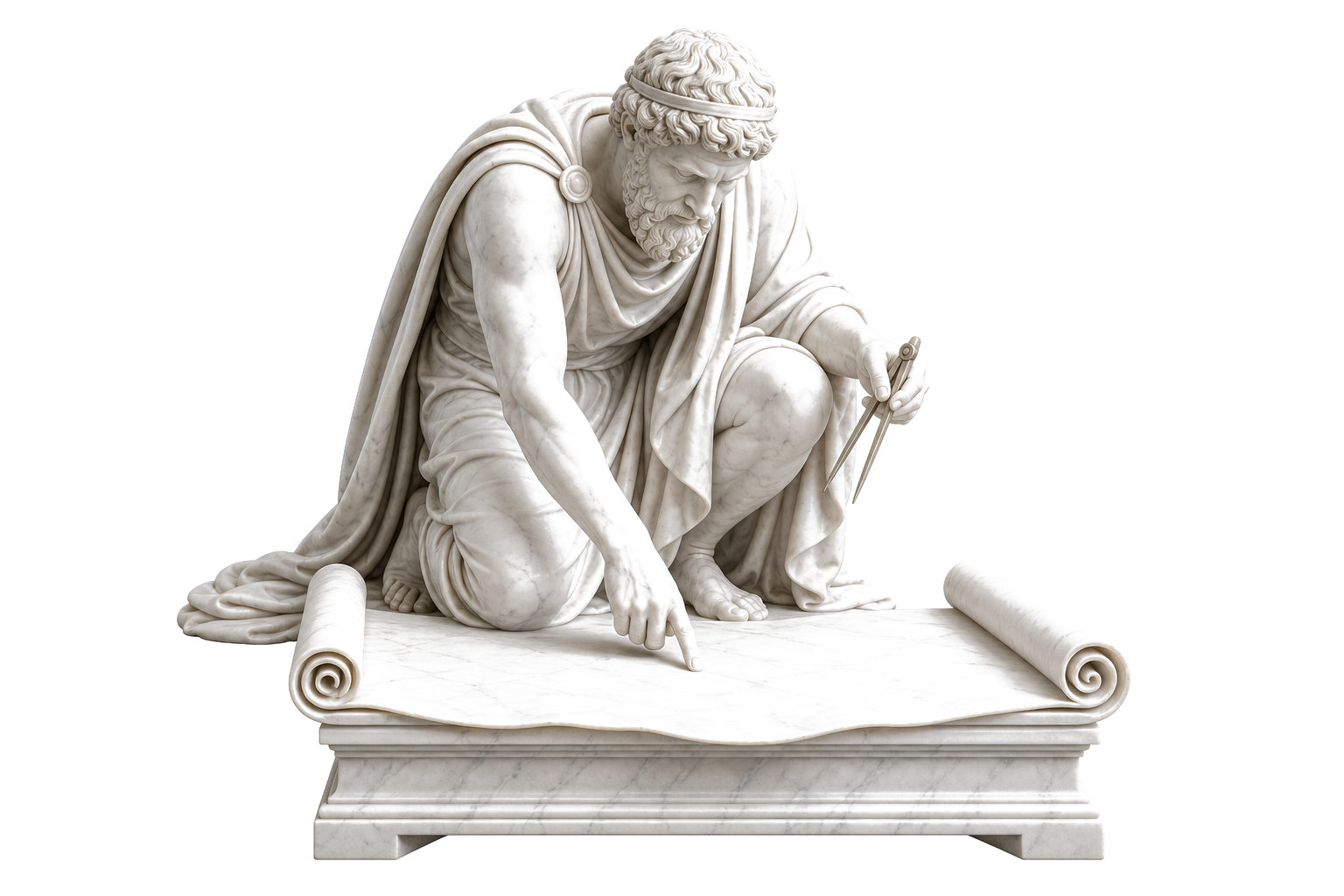
01 — ExtractMarble statue of a cartographer pinpointing a spot on an unrolled map

Pull the operating context.

We extract the offer, customer, workflow, objections, voice, edge cases, source systems, examples, and approval rules from calls, docs, Slack threads, founder memory, and team habit.

Operating Context Pack drafted and signed off
Success criteria for the first live loop
Access map across tools, data sources, and source-of-truth owners
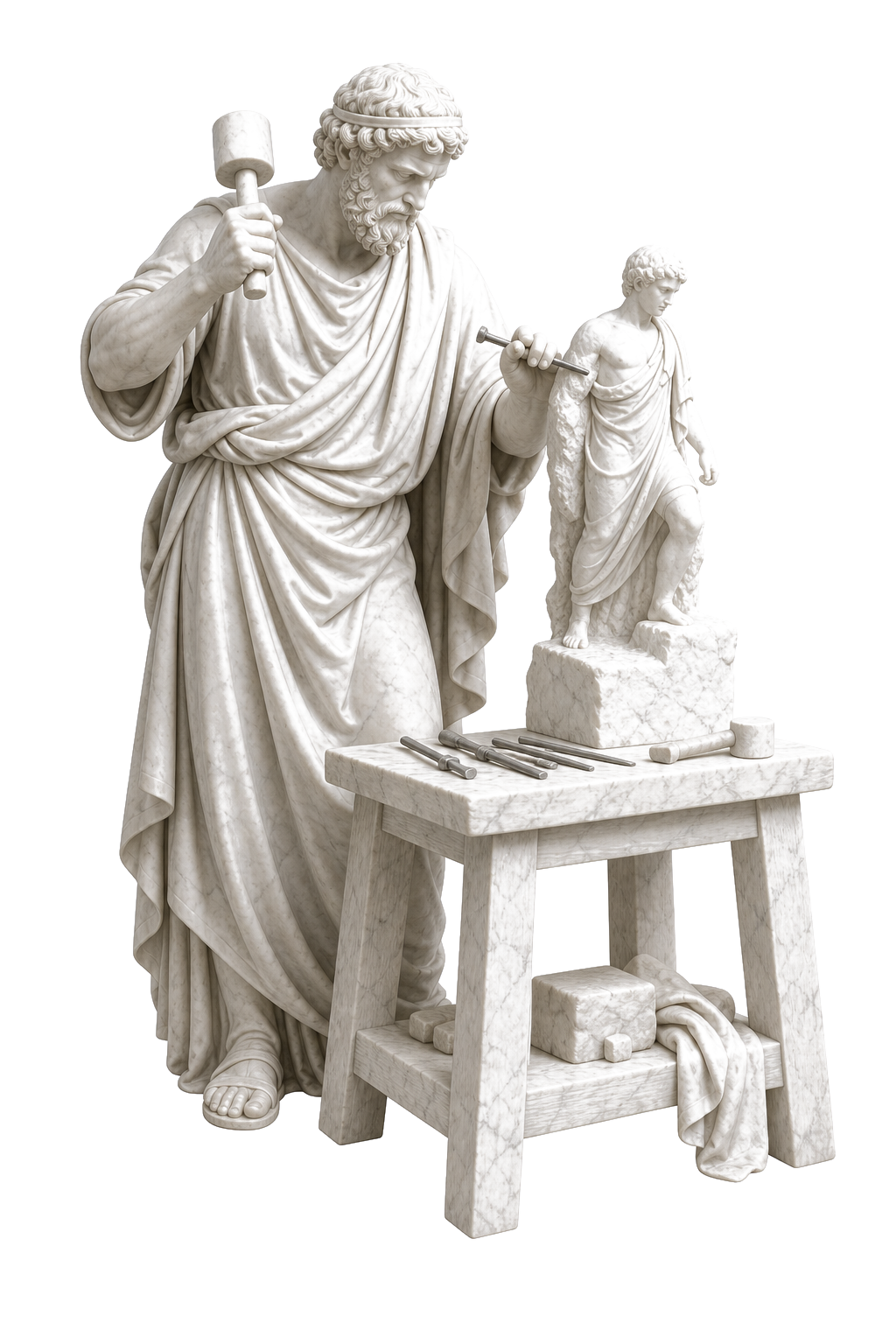
02 — BuildMarble statue of a sculptor carving a smaller figure that steps off its block

Give each operator a job.

Specialists get role context, source rules, output formats, handoff criteria, and a narrow mandate built around your standards.

First operators online inside your stack
Source library connected, review paths wired
Output formats locked to your standards
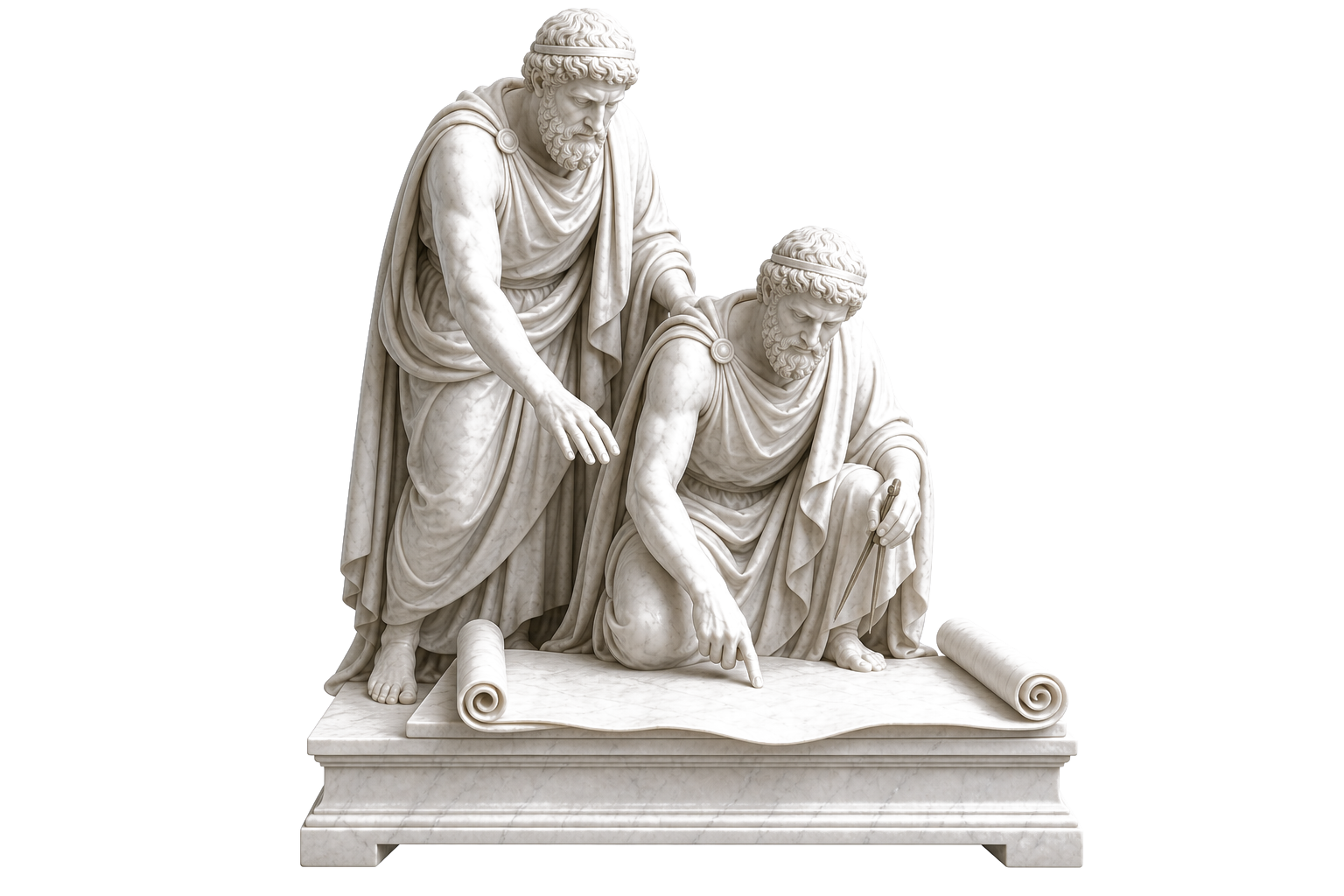
03 — ShadowTwo marble statues at the same task, a mentor supervising an apprentice without touching

Run beside the team first.

Operators draft and check before they act. Humans review every output until the loop earns trust and the queue clears under real conditions.

First live loop running in shadow mode
Review queue clearing inside one work session
Calibration log so you can see what improved
04 — HandoffTwo marble statues passing a lit torch at the moment of handoff

Ship the command surface.

You see queues, receipts, failures, escalations, and the next work to approve. The fleet is yours. Your team owns the surface and the standards behind it. Receipts beat AI cosplay.

Command surface with queue, receipts, and flags
Team training and runbook for ongoing operation
90-day improvement plan with next operators
CadenceWeekly review with founder and ops lead.
AccessYour tools, your data, your accounts.
OwnerThe fleet runs on your infrastructure.
Technical blueprint

The install is simple to buy. Complex under the hood.

Twelve build stages. Four sign-off gates. A named artifact shipped at every step. This is the engineering layer most teams never build — and the reason the loop still runs after we leave the room.

Install pipeline / 30-day build
Standard on every install
Phase 01DiscoverDays 01–07
01discovery.map

Discovery & loop inventory

  • Founder and ops interviews; a week of work walked end to end
  • Recurring loops inventoried across inbox, CRM, PM, and support
  • Each loop scored: frequency × attention drain × handoff risk
  • First loop selected, with a named owner attached
  • Constraints logged — access, compliance, review capacity
ShipsLoop map + install charter
02source.audit

Data & source audit

  • Systems of record ranked: CRM, inbox, calendar, PM, billing, docs
  • Auth mode per system — OAuth, API key, or service account
  • Field-level map of what each operator may read and write
  • PII flagged; redaction and retention rules set
  • Freshness windows and rate limits per source
ShipsSource registry + access matrix
03operator.design

Operator design

  • Role charter per operator: mandate, boundaries, tone
  • Input contracts — what each role is allowed to consume
  • Output schemas: brief, draft, flag, digest, report
  • Escalation thresholds: when to stop and ask a human
  • Failure rule: report the gap, never invent the answer
ShipsSigned operator briefs
Gate A — scope, first loop, and success criteria signed
Phase 02BuildDays 08–16
04fleet.setup

Profile & fleet setup

  • One isolated profile per operator, with its own credentials
  • Permission scopes cut to the minimum each mandate needs
  • Model routing by task class — fast triage vs deep reasoning
  • Usage guardrails and escalation rules per operator
  • Fleet topology versioned in your repo
ShipsFleet manifest v1
05memory.skills

Memory & skill layer

  • Company context pack: offer, voice, clients, standards
  • Per-operator memory namespaces — no cross-contamination
  • Retrieval rules: what gets recalled, when, from where
  • Skill modules: brief format, QA checklist, enrichment recipe
  • Prompts and skills versioned like code, diffable
ShipsVersioned skill library
06integrations.io

Integration wiring

  • Read/write connectors: CRM, inbox, calendar, PM, support
  • Field mappings with idempotent writes — no duplicate records
  • Webhook subscriptions for event-driven loops
  • Sandbox first, then a backfill plan for history
  • Every connector proven against test fixtures
ShipsIntegration map + fixtures
07gateway.guard

Gateway & guardrails

  • One egress point — every operator action passes through it
  • Per-operator action allowlists; the default is deny
  • Secrets vault; credentials never live in prompts
  • Rate limits and an audit log on every call
  • Kill switch that halts the whole fleet in one action
ShipsGateway config + audit stream
Gate B — end-to-end dry run passes on test fixtures
Phase 03ProveDays 17–26
08cron.jobs

Cron & job orchestration

  • Schedules per loop: 06:00 brief, hourly pipeline scan, weekly report
  • Job queue with retries and exponential backoff
  • Dependency order: enrich before draft, QA before queue
  • Timezone, weekend, and holiday rules
  • Dead-letter alerts when a job cannot complete
ShipsJob schedule + runbook
09qa.evals

QA & evals

  • Golden-set tasks built from your real work history
  • Scoring rubric for every output type
  • Regression evals on every prompt or skill change
  • Source checks: every claim traces to an input
  • Weekly calibration review against the rubric
ShipsEval suite + calibration log
10human.gates

Human approval layer

  • Review queue wired into Slack and the command surface
  • Approval tiers: auto-file, review, dual sign-off
  • Customer-facing output held for explicit approval
  • Your edits feed back into skills — corrections become rules
  • Full decision trail: who approved what, and when
ShipsApproval policy matrix
Gate C — shadow week clean against the signed criteria
Phase 04RunDays 27–30
11launch.live

Launch

  • Loop promoted from shadow to live, one mandate at a time
  • First live sends supervised side by side with your team
  • Rollback path documented and tested before go-live
  • On-call window through the first live week
ShipsLive loop + launch checklist
12monitor.loop

Monitoring & iteration

  • Usage dashboards and health checks per operator
  • Drift alerts when output quality moves against the rubric
  • Weekly ops review cadence handed to your team
  • 90-day roadmap: next loops, next operators
  • Findings feed back into operator design — stage 03
ShipsMonitoring board + 90-day plan
Gate D — handoff accepted: your team runs the loop
12 build stages4 sign-off gates12 shipped artifactsStage 12 loops back into stage 03 — the system compounds
Artifact ledger — what each stage hands over, and who owns it after handoff
No.StageArtifactFormatOwner after handoff
01DiscoveryLoop map + install charterdoc · versionedfounder
02Source auditSource registry + access matrixsheet + configops lead
03Operator designSigned operator briefsdoc per operatorfounder
04Fleet setupFleet manifestconfig in your repoops lead
05Memory & skillsVersioned skill libraryfiles in your repoops lead
06IntegrationsIntegration map + fixturesconfig + test dataops lead
07GatewayGateway config + audit streamconfig + live logops lead
08Cron & jobsJob schedule + runbookconfig + docops lead
09QA & evalsEval suite + calibration logscripts + logops lead
10ApprovalsApproval policy matrixdoc + queue configfounder
11LaunchLaunch checklist + rollback pathdocfounder
12MonitoringMonitoring board + 90-day plandashboard + docfounder
Fit check

This works when the job already exists and someone owns the result.

Start with a recurring job your team understands, real examples, and one person who can review the work during the installation.

Walk away if

Not built for you

  • You have no recurring workflows yet — the offer itself is still changing week to week.
  • You want full autopilot with no human review from day one.
  • Nobody on the team can give a review queue fifteen minutes a day.
  • You're shopping for a chatbot to put on the website.
  • You expect AI to set the strategy instead of executing it.
Book the call if

Built for you

  • Founder-led service or B2B company, roughly 5–50 people.
  • Work already runs through a known stack: inbox, Slack, CRM, project tool.
  • You can name the loops bleeding hours: briefs, follow-ups, reporting, QA.
  • Someone will own the review queue — fifteen minutes a day is enough.
  • You want owned infrastructure, not another subscription that dies with the login.

Recognize the right column? Find My First AI Hire and pressure-test the first loop. You leave knowing whether the workflow is ready for an owned fleet.

Built inside a real company

Client Ascension gave its team one AI colleague for company questions and technical work.

Useful information was spread across Slack, dashboards, coaching calls, documents, and internal tools. We connected the approved sources and installed an AI employee in Slack that can prepare briefs, find company wins, answer internal questions, build tools, and coordinate technical work.

Case file / Client Ascension
Verified against live repos
The starting state

Scattered systems. No single source of truth.

  • Revenue in one tool.
  • Student health in a spreadsheet.
  • Wins buried in a Slack channel.
  • Coaching calls locked in Google Drive.
  • SOPs in someone's head.
The trap we refused: a pretty dashboard with stale or invented numbers is worse than the sprawl. The install enforces a no-fake-data doctrine in middleware — if a source breaks, the dashboard says so.
Live service

Operator Cockpit

One private dashboard for revenue, students, coaches, proof, and Slack activity — built around exceptions: what broke, what changed, who owns it.

Live service

Student Command Center

A prioritized queue that tells coaches who needs action now, why, and the evidence — risk-scored across engagement, goals, progress, and touchpoints.

Live service

Knowledge MCP

The Slack archive, SOPs, and the coaching-call corpus made searchable. Agents pull focused context; a nightly sync keeps it fresh.

Pipeline

Proof Engine

Client wins move from scattered Slack messages through a compliance gate into approved proof. No claim inflation, no invented results.

Infrastructure

Credential Vault

Live integration credentials stay out of prompts and repos — loaded through a locked env drop-in, not pasted keys.

Infrastructure

Graph Memory

Durable context on people, systems, ownership, and dependencies — operator knowledge that compounds instead of evaporating.

What changed Decision speed Source trust Student-success leverage Engineering throughput Knowledge leverage Risk reduction
6+live internal services shipped
346tracked dashboard files
280+coaching-call transcripts indexed
2,800+searchable transcript chunks
Revenue, student health, proof, Slack, SOP, and coaching-call data pulled into one private operator command center. Every claim in the write-up is verified from the source trail, not estimated.
APPLIED LEVERAGE · 30 DAY INSTALL GUARANTEE · APPLIED LEVERAGE · 30 DAY INSTALL GUARANTEE · 30 DAYS LIVE OR NOT DUE
Delivery standard

Live in 30 days,
or you do not pay the balance.

Before the build starts, we agree on the exact job, systems, output, human owner, approval rules, and go-live checklist. The balance is due when the system passes that checklist and your team can run it.

Gate 1 — Scope signed
  • Workflow selected
  • Inputs and outputs named
  • Operating Context Pack signed
  • Owner assigned
  • Acceptance criteria signed
Gate 2 — Shadow loop passes
  • Operators produce reviewed outputs
  • Sources attached on every output
  • Exceptions flagged, not hidden
  • Human approvals tested
Gate 3 — Live handoff
  • Command surface delivered
  • Runbook handed over
  • Monitoring board live
  • Your team can clear the queue

If a gate fails, we fix it before moving forward. If the day-30 criteria are still missing, the balance is not due.

Start with one job

Find the first AI hire that would pay for itself inside your company.

Bring one recurring job your team keeps delaying, repeating, or routing through the same overloaded person. We will map the inputs, finished output, tools, owner, approval rules, and what it must be worth to justify building.

Lucas reviews every application. If the job is ready, you get the mapping-call link. If the process needs cleanup first, you get the direct no and the reason.

FAQ

Straight answers.

Still have a question about the fleet, the install, or the working loop?

Lucas Synnott, founder of Applied Leverage
Talk it through
Find My First AI Hire and ask directly.
How is this different from ChatGPT?

ChatGPT waits for prompts. A fleet has role ownership, operating memory, source rules, review paths, and recurring work loops. The output is queued work, not chat history.

What happens on the first call?

We map one recurring workflow, name the inputs and outputs, identify approval gates, and decide whether it is ready for an owned operator fleet.

Do we need to manage the technical setup?

No. We build, integrate, harden, and calibrate the system. You bring business context and access to the tools that matter. We work with your stack, not against it.

Can the AI make mistakes?

Yes. That is why the first phase runs in shadow mode with human review. The point is controlled leverage, not unsupervised chaos.

Are we locked into one model provider?

No. The operating layer runs on your infrastructure and stays portable across providers. You own the operators, the data path, and the receipts.

What exactly ships?

A working first fleet and at least one live operating loop in 30 days: mapped workflow, signed operator briefs, connected sources, a review queue, receipts on every output, and the runbook. The full acceptance list is published above — delivered means every box checked.

How is the first loop scoped?

On the mapping call, we pick one recurring workflow, name the systems involved, assign the human review owner, and write the acceptance criteria before anything gets built. The day-30 balance is tied to those criteria being checked off.

Where does the system run?

The operating layer runs in accounts you control, with source trails, logs, and review gates visible to your team.

What about sensitive data?

Stage 02 of the blueprint maps exactly what each operator may read and write, field by field. PII gets redaction rules, credentials live in a vault and never in prompts, every call is logged, and the whole system runs in accounts you control. You can revoke access — or hit the kill switch — at any time.

Why not just hire an ops person instead?

Hire one anyway when you're ready — they're different tools. A hire scales by hours and leaves with the playbook. The fleet turns recurring work into reviewed drafts around the clock, keeps its memory in your repo, and gives your people back the work that actually needs human judgment.

How much of our time does the install take?

Week one: a few hours of interviews plus access setup. After that, a one-hour review at each gate, and about fifteen minutes a day clearing the queue during shadow week.

What happens after day 30?

Your team runs it. The runbook, training, monitoring board, and 90-day roadmap are part of the install. If you want us to build the next operators on the same rails, we scope that after the first loop is working.

Give your team one AI employee that knows the company and does the work.

Start with one recurring job. We will show you what the system needs to know, what it should produce, where humans stay in control, and whether the build is worth doing.

Find My First AI Hire